Free · No Sign-Up · Really Scans
QR Code Tattoo Generator
Make a QR code tattoo that really scans. Type a link, message or map spot and get two exact, ink-ready designs in seconds. Free, no sign-up.
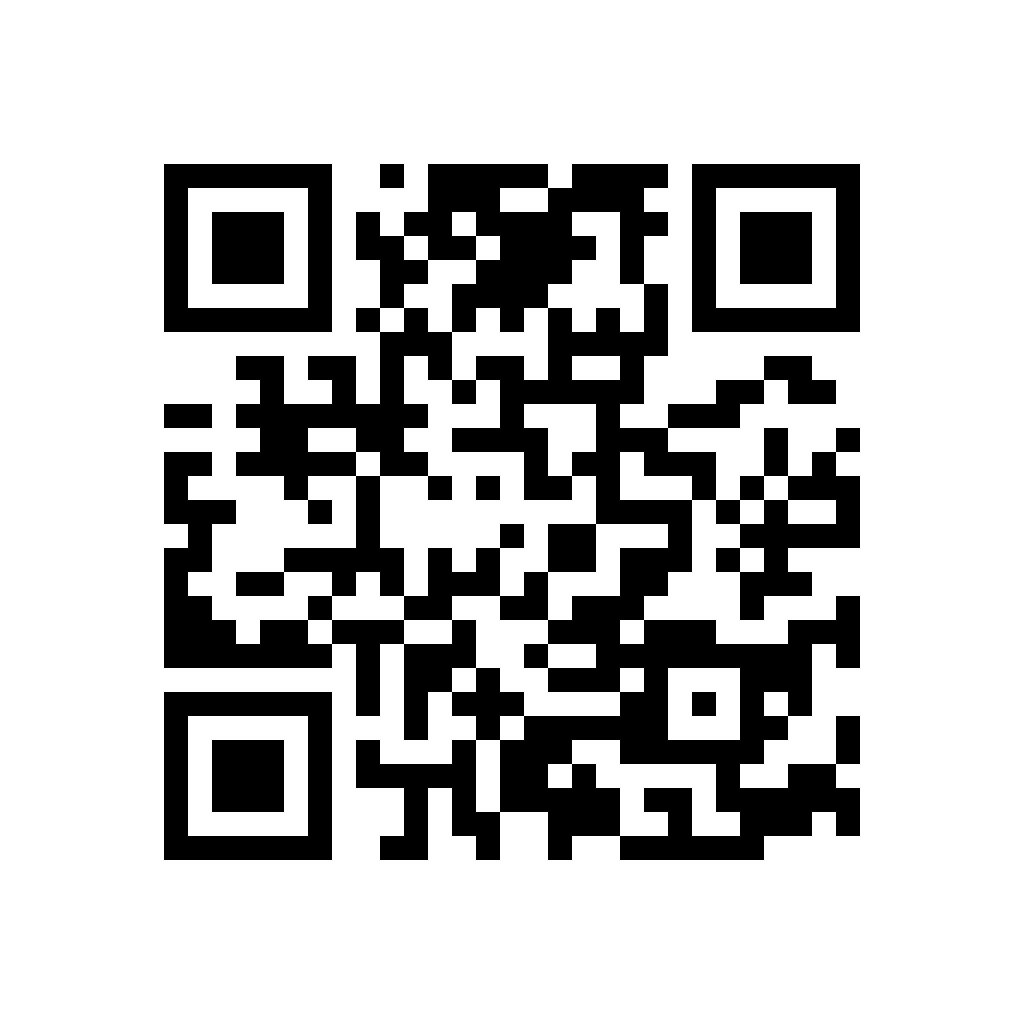
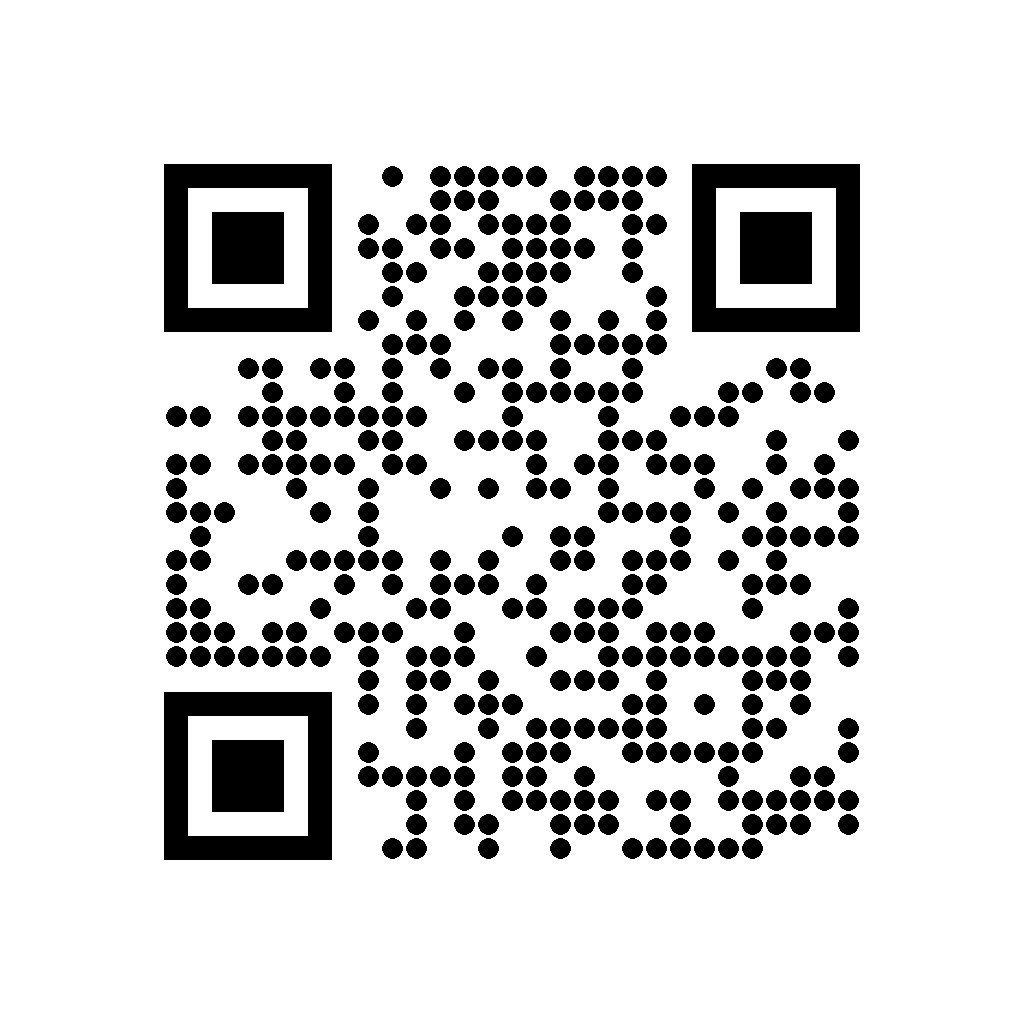
Scan it with your phone camera before you book. Want a stencil, a saved copy or an AI design around it?
Open In StudioExample QR Code Tattoos
Every one of these scans. Tap one to load it into the generator.
How the QR Code Tattoo Generator Works
A QR code tattoo only works if every square sits in exactly the right place, so this generator draws the code with math instead of AI. Type a link, a message or a set of map coordinates, press Make My QR Code, and two exact designs appear in a few seconds: Classic Squares and Round Dots. Both use the highest level of error correction, which means roughly 30 percent of the pattern can blur or fade and a phone camera will still read it.
Nothing you type is stored. Download the PNG files and hand them to your artist, or open the design in the studio to save it to your account and print a clean stencil.
What to Put in Your QR Code Tattoo
Think about what a stranger’s phone should open ten years from now, not just this week.
- A link you own. A page on your own domain keeps working as long as you renew it, and you can change what that page shows without touching your skin.
- A short message. Plain text such as a name, a vow or an inside joke opens right on the screen, with no internet needed.
- Map coordinates. Type geo: followed by latitude and longitude, like geo:40.7128,-74.0060, and the code opens the place where you met, married or grew up.
- A song or voice note. Put the audio on a page you control and link that page, instead of linking a streaming app that may change its addresses.
Skip free link shorteners and paid dynamic QR services. If one of them shuts down or starts charging, the tattoo becomes a grid of squares that leads nowhere.
Size and Placement for a QR Code Tattoo That Scans
Every extra character adds rows of squares, and small squares merge sooner as ink settles under the skin. A short web address makes a compact grid, while a long one with tracking codes can nearly double it. As a rule of thumb, plan on at least 1.5 inches (4 cm) across for short text and 2.5 inches (6 cm) or more for a long link. Shorter text lets you keep the piece small.
Flat, steady skin scans best. The inner forearm, outer calf, upper arm and shoulder blade all work well, while ribs, knuckles and the inside of the wrist bend the grid every time you move. Leave a clear border of bare skin on all four sides, because scanners need that quiet margin to find the edges. For more spots that suit a crisp, compact design, browse our forearm tattoo ideas.
Classic Squares or Round Dots?
Classic Squares are the sturdiest pick. Solid blocks give your artist straight edges to follow, and they keep their shape as skin ages. Round Dots look softer and more decorative, close to dotwork, while the three corner squares stay solid so phones can still lock on. The dots leave a little more skin between each module, which gives the ink room to spread over time.
If your QR code tattoo will be tiny, choose Classic. If it is larger or part of a bigger composition, Dots read as art first and as a code second. Planning something minimal? Our small tattoo ideas show how much a simple shape can say.
Getting Your QR Code Tattoo Inked and Keeping It Readable
Bring the PNG at full size and ask your artist to make the stencil straight from the file rather than redrawing it by hand. One misplaced square can break the code, so a careful artist will test the stencil with a phone before starting. Solid, even black packing matters more than fine detail here, which is why many people choose an artist who is confident with blackwork or geometric work.
A fresh QR code tattoo is swollen and shiny, so don’t worry if it won’t scan on day one. Test it again once it has fully healed, usually after three to four weeks. Over the years, daily sunscreen slows fading, and a touch-up that sharpens the edges can bring an older code back to life.
Pair It With a Barcode
Codes look great in pairs: a QR code that opens a message, next to a barcode that spells out a date or a name in clean lines. Our barcode tattoo generator works the same way, and both designs share the same black-and-white style so they sit together naturally.
Want art around your code?
Describe the rest of the piece in the studio, like roses, a heartbeat line or a skull, and get original AI designs plus a stencil for your artist. Your first run is free.
QR Code Tattoo FAQ
Will a QR code tattoo really scan?
Yes, if it is drawn exactly and inked at a sensible size. These designs use the highest error correction, so about 30 percent of the code can soften and still scan. Test it with your phone camera once the tattoo has healed.
How small can a QR code tattoo be?
Short text can work at about 1.5 inches (4 cm) across. Long web addresses need 2.5 inches (6 cm) or more, because every extra character adds smaller squares that blur together sooner.
What happens if the link stops working?
The tattoo still scans, but it opens a dead page. Use a domain you own, or encode plain text or map coordinates instead, since those never expire.
Is this generator really free?
Yes. QR code designs are free with no sign-up and no limit beyond basic spam protection. You only need credits if you want AI artwork designed around your code in the studio.